
What llms.txt is for
llms.txt is a plain text file, served at yourstore.com/llms.txt, meant to give AI assistants like ChatGPT, Claude, Gemini and Perplexity a clean summary of a site: what it is, what it sells, and where to find the detail. Since May 2026, Shopify generates one automatically for every store on the platform. No setup needed, no app to install.
That sounds like a win. The problem is what Shopify’s version actually contains.
Why it only shows one product
Open your own store’s /llms.txt and check it against your product count. On a lot of stores, especially ones with more than a handful of SKUs, the file lists a single product page, sometimes two, and stops there. It doesn’t walk your full catalogue, your collections, or your blog posts. If a shopper asks an AI assistant something like where can I buy hand-poured soy candles and your store sells forty of them, the assistant has almost nothing from you to work with, even though your sitemap lists all forty.
This isn’t a bug you did something to cause. It’s how Shopify’s built-in version is written: a general description of the store with instructions for AI agents, not an export of the catalogue. On the stores we’ve checked, it links one product page whether the store sells 50 products or 5,000.
How to check your own store
- Visit yourstore.com/llms.txt directly in a browser.
- Count how many product links appear in the file.
- Compare that to your product count in the Shopify admin, or to yourstore.com/sitemap.xml, which lists everything.
If you want this done for you without opening both files side by side, there’s a free checker at novoicestudio.com/llms-txt-checker/. Put in your domain and it tells you how many products your current llms.txt actually lists versus how many you have.
What a fuller file needs
A llms.txt that actually represents a store needs a few things Shopify’s default doesn’t do well:
- Every product, not a sample, including ones added last week.
- Prices and stock status, so an assistant doesn’t recommend something that’s sold out.
- Collections and pages, so the structure of the store is visible, not just a flat product list.
- Regular resyncing, so the file doesn’t go stale as the catalogue changes.
Building and maintaining that by hand means regenerating a text file every time stock or pricing changes, which in practice nobody keeps up with for long.
Fixing it with an app
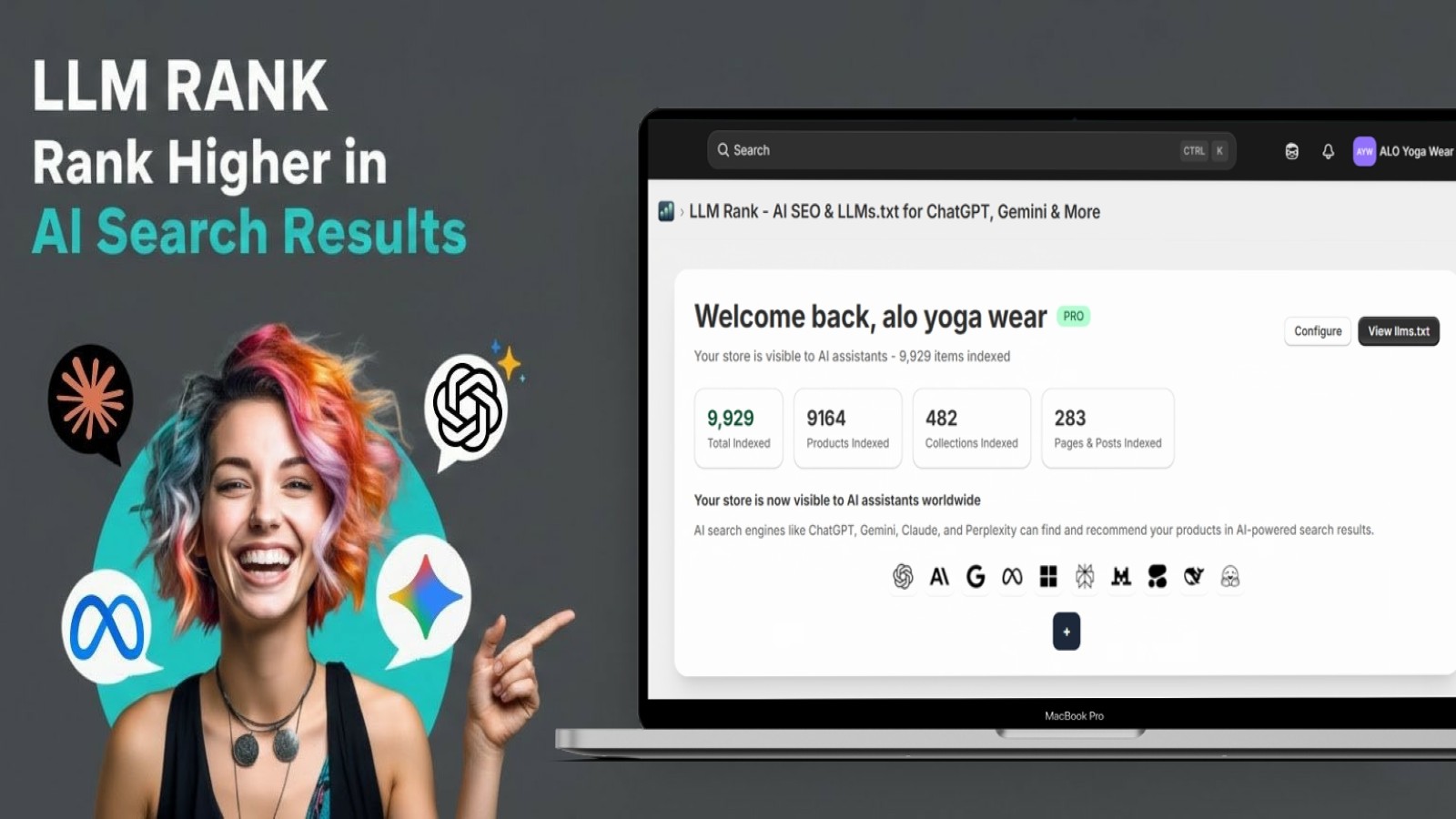
We build LLM Rank, a Shopify app that replaces the default llms.txt with a complete one: every product, every collection, prices and stock, kept in sync automatically (weekly on the free plan; daily, weekly or monthly on Pro). It also generates an agents.md and llms-full.txt alongside it, and lets you flag specific products you want AI agents to feature. The free plan covers up to 100 products and 50 collections; Pro is 9 dollars a month with a 7-day trial for unlimited products and more frequent syncing. It’s listed on the Shopify App Store at apps.shopify.com/llm-rank.
Whether you use an app or fix it some other way, the test is simple: open the file, count the products, and see if it matches what you actually sell. If AI search sends any real traffic in the next few years, it helps not to be invisible to it over a file most store owners have never looked at.
If you’d rather have someone check and fix this as part of a broader audit, our pricing for a written AI visibility audit and other fixed-price work is at novoicestudio.com/pricing/.